Thursday, 3 December 2015

Typography - Creating My Own Fonts 2


For my second experiment with handmade typefaces I could use for my book, I took inspiration from the font Lemon Yellow Sun. It is a legible script font with an informal feel and appeals to younger audiences. 

To create a font similar to Lemon Yellow Sun, I used a fine liner to draw out each letter and made the capital letters tall and thin. However, unlike Lemon Yellow Sun, I also used lower case letters so that there was more variety within my font. I also made sure there was no transition of weight as the typeface I took inspiration from is all just one weight.

After drawing out my font, I scanned it into the computer and used the threshold tool in photoshop to make it black and white before removing all the white from the image. This left behind the black letters, numbers and punctuation.

The next step I took was to place each letter onto the template file for myscriptfont.com ready to be imported onto the website and turned into a typeface. 


To make sure the letters would be visible and easier to turn into a typeface, I thickened each letter with the brush tool. The letters need to be thick as thin lines do not scan into the website very well so they aren't detected and parts of the letters will go missing.


Tuesday, 1 December 2015

Typography - Creating My Own Fonts 1


To create contrast within the book and make the recurring line 'kick him in the eyes' stand out, I decided that I wanted a messier font. This was when I chose to experiment with using different mediums to create different handmade typefaces. 

First, I chose that I wanted to experiment with wax resist to get a scruffy, more childlike look. I used white wax crayon and then used a dark brown watercolour to wash over the wax letters. I washed over the letters a couple of times so that the white would stand out against the brown. 

Next, I imported the two scans of the alphabet I'd written out in wax resist into photoshop and added each letter onto a template for myscriptfont.com and made sure each letter didn't venture too far out of the boxes. I also erased parts of the letters so that the white parts would be the main focus rather than the darker elements. I edited size so that each letter would fit and edited parts where the black wasn't supposed to be so that it would be white instead.


When editing the letters so that the white stood out, I used the threshold tool. This was so that the brown was black and created more contrast within the lettering as well as to try and bring out the rough quality that the wax had created. I also used a textured eraser tool so that there would be more interest and make the typeface look messier and more childlike. 


Once I had finished each letter and all the punctuation, I saved the file as a jpeg and imported it onto myscriptfont.com so that it could be turned into a typeface. I feel that this typeface I made wasn't as successful as I hoped it would be as it may not be legible for younger children. I could have made it more legible by making it look tidier so that children won't find it as difficult to read it. 


Tuesday, 24 November 2015

Typography - Hand Drawn Fonts

Whilst looking for different types of fonts to use, I also looked at handcrafted typefaces. This is because I feel that some handcrafted fonts have more aesthetic value than digital fonts and I wanted some inspiration for different experiments I could try out such as calligraphy or using different mediums to achieve various textures. 


Typography - Digital Fonts

Fonts I Chose From dafont.com

When considering fonts to use both on the cover and the inside of the book, I immediately decided that I wanted something that all ages would have no trouble reading. This is because the primary target audience for my product is younger children and so they need a typeface that is legible and clear. With this in mind, I started looking through different fonts on dafont.com to get an idea of the sort of fonts that would be close to what I was looking for. 


The next step I took was to write the most recurring line from the book in the fonts that I had chosen. This was to compare how each font looked and which one looked the best. I chose these fonts in particular as they are all easy to read. I selected a mixture of old-style, modern, script and display fonts so that I could determine which typeface was the most effective and the best suited to the purpose I wanted the font to have. 


Comparing Typefaces

When comparing typefaces, I felt that the font Easy Open Face (the second typeface on the list at the top) would be one of the least effective in regards to what the main body of text could be written in. Whilst it may be eye catching and easy to read, I felt that the font wasn't suitable for the main body of text as it would be too distracting and not as easy to read. After carefully looking at each font, I have decided that the two fonts that I would consider the best to use for my book are OldStyle and Lemon Yellow Sun. 

I find OldStyle to be one of the easiest to read and, for me, it looks more traditional. It reminds me of Times New Roman as it has similar transitions in weight which gives it more aesthetic but not so much that it would distract the reader of the book. The weight of certain elements of the letters make it stand out which is what I'm looking for with the typeface for the main body of text. There is not so much contrast from thick to thin weights so it doesn't distract the eye or take away any legibility. 

I also chose Lemon Yellow Sun as its qualities as a handcrafted script font contrast with the traditional qualities of OldStyle. There is no transition in weight and the messy quality is reminiscent of simplistic handwriting which makes it easy to read. The font has a medium weight so it stands out on the page but still has legibility and the way the letters are all capitalised means that you can read it effortlessly. 

Monday, 16 November 2015

Mid-Point Drafting 2

For these drafts, I chose to use pencil and pen rather than watercolour paint. I did this to create more interesting marks on the page as opposed to that of the paintbrush and to achieve a more childlike and messy quality to the design.


Saturday, 14 November 2015

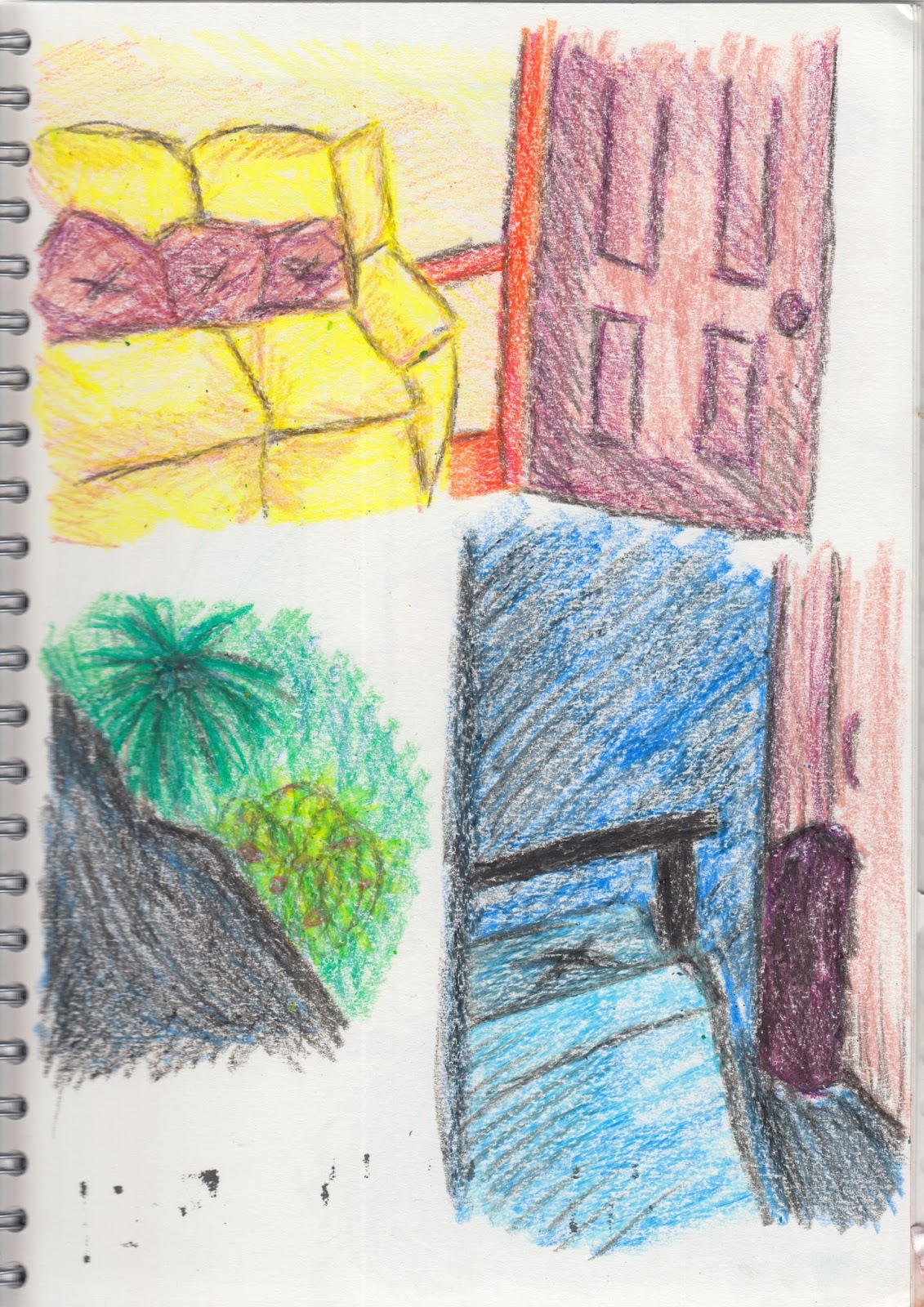
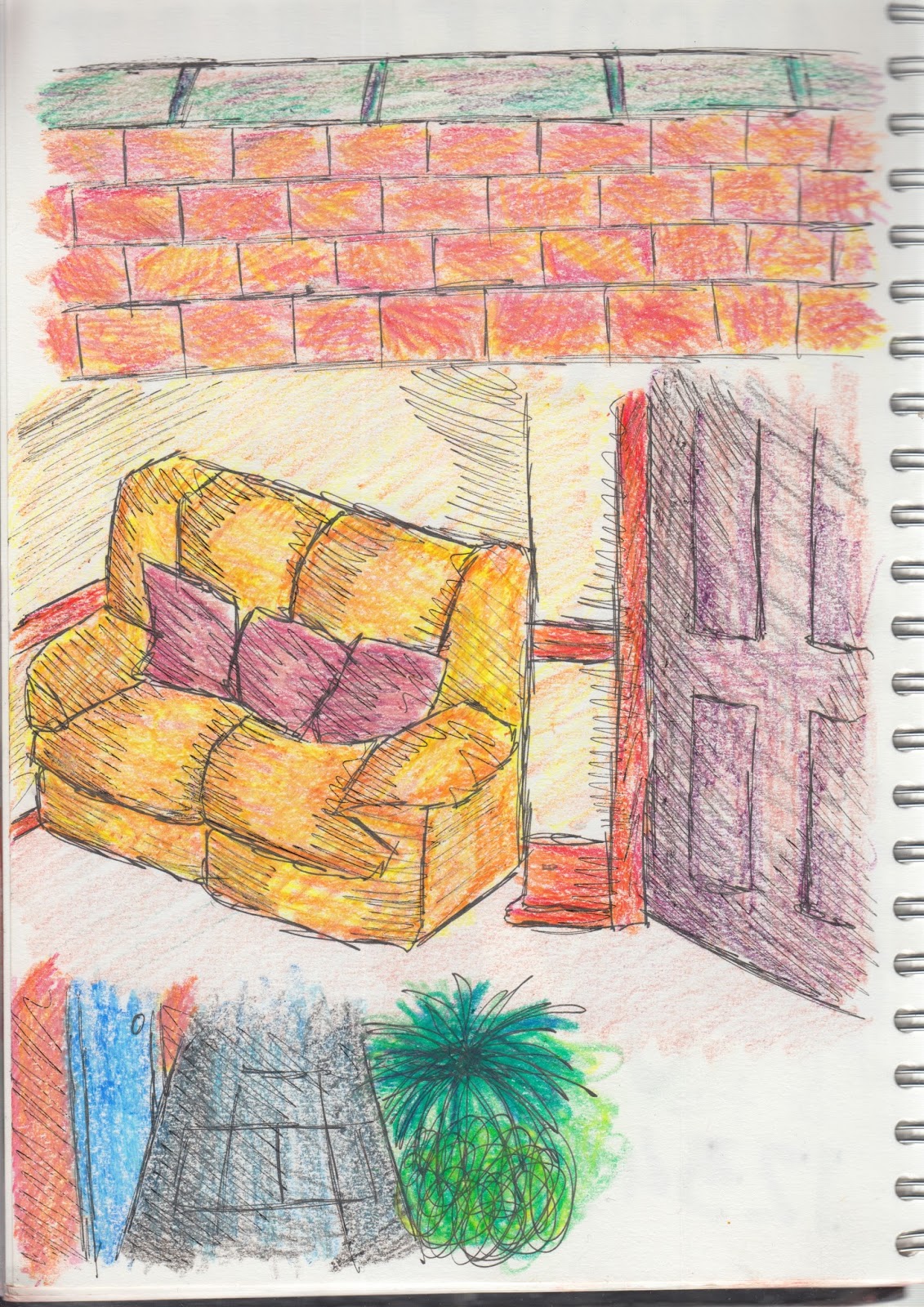
Locations - Wax Illustrations

In order to experiment with texture within my illustrations, I decided to use wax crayon. This is because this particular medium gives a rough, messy quality that often has the connotations of childhood and younger children. I also wanted to experiment with layering colours with wax crayon in order to create interesting tones and shades. 


After using just wax crayon, I decided that I wanted darker outlines that were more defined. To accomplish this, I used a black gel pen to roughly sketch out the outlines and then coloured the images with wax crayon. I once again layered different colours to create tone and shade but I also added messy gel pen lines over the top to add more shadow and create more aesthetically pleasing illustrations. 


Thursday, 12 November 2015

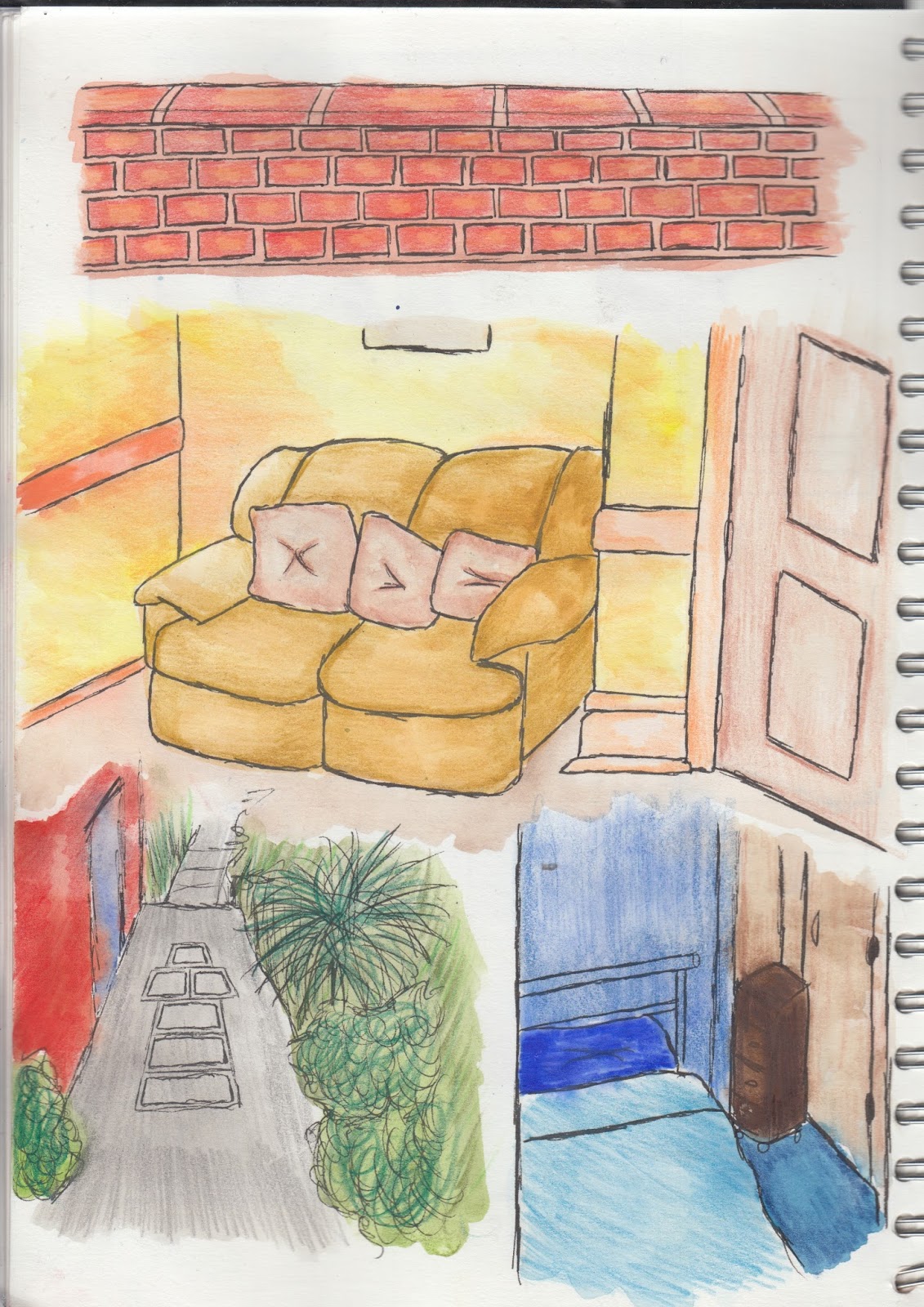
Illustrations For Locations - Added Detail

I decided to add a different medium on top of the watercolour paint I used on the location illustrations that I drew out. I did this as I felt that there wasn't enough tonal range within the illustrations and that they needed more colour in order to increase the aesthetic value. The medium I used on top of the base colour was watercolour pencil as I felt that this would work better and I would be able to add more detail as well as having better control over the colour choices. Using watercolour pencils also enabled me to be able to add darker shading in places where it was needed and it was easier to graduate this into lighter tones.